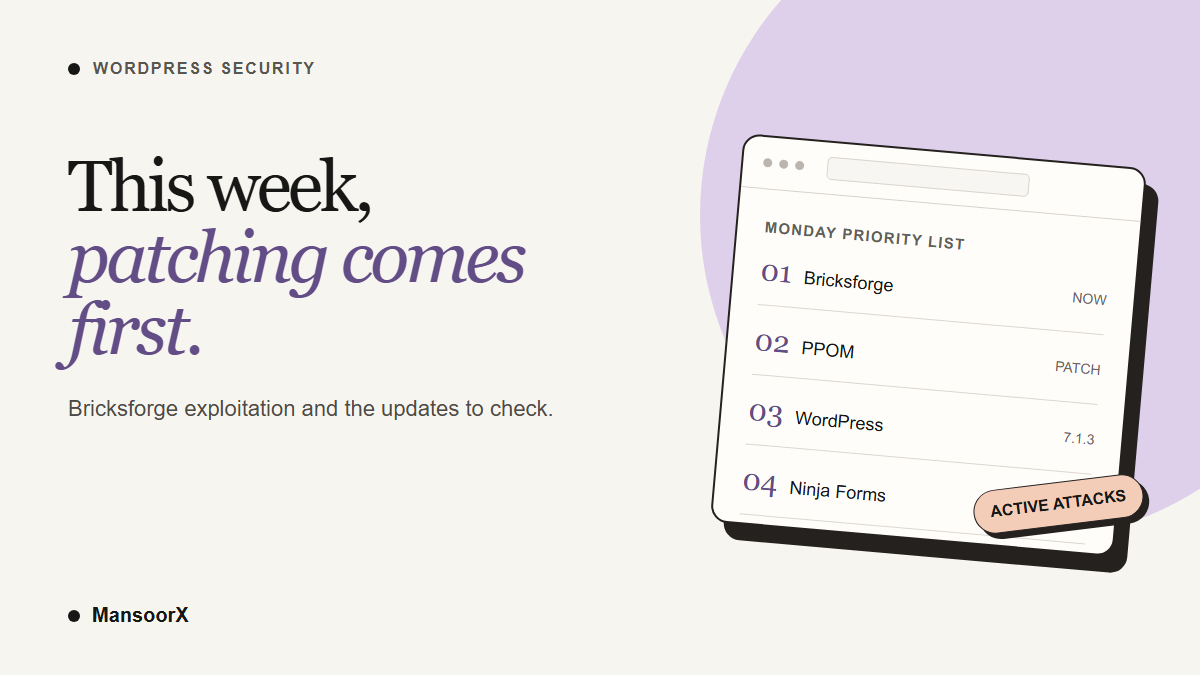
One plugin on this week’s list is being actively exploited: Bricksforge, the add-on a lot of Bricks Builder sites use for forms and dynamic data. Anyone can use it to upload and run PHP on your server, no login needed. If you have it on any site, that is your first update this Monday.
The rest of the week is a normal patch week. A WooCommerce add-on with a proof of concept reported on X, a WordPress core security release, an attack campaign that hides its own admin account, and a CF7 add-on with an upload bug. I am keeping them all in one post because the job is the same for each: update, confirm the version, then check you were not hit.
Bricksforge: exploited since 7 October
Patchstack published its advisory on 8 October. CVE-2026-85097 affects Bricksforge 3.1.8.9 and older and is fixed in 3.1.8.10. Patchstack scores it 10.0, and Wordfence’s CVE record scores it 9.8. Either way, it is as bad as these get.
Patchstack’s telemetry shows exploitation attempts starting on 7 October at 21:47 UTC. That is a day before the advisory went out, so a site that waited for the news to update was already exposed.
In plain terms: Bricksforge checks the file type when a file is first uploaded through one of its forms, but then trusts the file details the visitor sends when the form is submitted. An attacker uploads a file that is a valid image with PHP hidden inside it, then tells the form to save it under a .php name. The server runs it. From there they can do whatever they like with the site.
Some posts on X are saying there is no exploitation yet. That is wrong. Patchstack’s advisory says the attacks are already happening, and it describes automated requests from dozens of IP addresses.
My take: if a site ran Bricksforge 3.1.8.9 or older after 7 October without a firewall rule in front of it, do not stop at updating. Updating closes the door. It does not tell you whether someone already walked through it.
Do this for Bricksforge:
- Update Bricksforge to 3.1.8.10 or newer on every site that has it, and confirm the version number afterwards.
- Check your uploads for PHP files that should not be there. WordPress uploads should hold images and documents, not PHP. Look in
wp-content/uploads/bricksforge/tmp/first, then the rest ofwp-content/uploads/, including the dated folders like2026/10/. Patchstack saw attackers using file names likelogin_admin_*.php, but treat any.phpfile in uploads you did not put there as a red flag. This is the same check I will point back to further down. - Check Users for administrator accounts you do not recognise.
- If you find either, treat the site as potentially compromised. Preserve logs and a copy of the current state, involve your host or an incident responder, and restore from a verified clean backup only after you understand what changed. Patch the plugin and rotate credentials before bringing the site back.
If you cannot update right away, Patchstack has a mitigation rule for this CVE. It is a seatbelt, not the fix.
Sources: Patchstack Bricksforge advisory · CVE-2026-85097 · Bricksforge changelog
PPOM for WooCommerce: unauthenticated file deletion, proof of concept reported on X
If your store uses PPOM (Product Addons & Custom Fields for WooCommerce) for product options, update it to 34.0.11. Versions 34.0.10 and older have CVE-2026-104801, scored 9.1.
Without logging in, an attacker can delete files on your server. The CVE record gives wp-config.php as the example, and deleting that file can lead to a full site takeover. The deleted file is also moved into a public uploads folder, so the same bug can be used to read files too.
The fix is in 34.0.11. The published advisory is enough reason to update promptly; do not wait for a confirmed attack report before protecting a store.
For a public store, an unauthenticated file-deletion route is a high-priority patch even if you have not noticed a symptom.
Do this for PPOM: update to 34.0.11, confirm the version in Plugins, and make sure you have a recent backup that includes wp-config.php.
Sources: CVE-2026-104801 · Wordfence advisory · Patchstack entry
WordPress 7.1.3: update promptly, then check cached embeds
WordPress 7.1.3 came out on 6 October with 7 security fixes and 4 bug fixes. This is the third core security release in three weeks, after 7.1.1 and 7.1.2.
WordPress recommends updating immediately because this is a security release. Patchstack’s breakdown explains that the seven fixes have different prerequisites, including a private-comment exposure and an issue involving links in pending comments. Those details help you prioritize checks, but they do not change the update recommendation.
There is one step after the update that most people will miss. 7.1.3 removes Imgur as a trusted embed provider because Imgur embeds could carry XSS. But it does not clear embeds that are already cached. If you have Imgur embeds on the site, an old malicious one keeps rendering until the cache is cleared.
Do this for core:
- Update to WordPress 7.1.3 and confirm the version under Dashboard → Updates (or
wp core version). - If your site uses Imgur embeds, review and clear existing cached oEmbed content as Patchstack advises; a normal page-cache purge alone may not remove stored
_oembed_*metadata oroembed_cacheentries. Ask your host or developer before deleting database records. - Until every site is on 7.1.3, do not click links inside pending comments. Approve or delete them from the list without opening the links.
Sources: WordPress 7.1.3 release · Patchstack 7.1.3 breakdown
Ninja Forms and WPC Product Bundles: the campaign that hides its own admin
Patchstack is tracking one attack campaign using two stored XSS bugs:
- Ninja Forms 3.15.3 and older (CVE-2026-94504), fixed in 3.15.4. Exploitation seen from 5 October.
- WPC Product Bundles for WooCommerce 8.6.6 and older (CVE-2026-93836), fixed in 8.6.7. Exploitation seen from 4 October.
The attacker submits a form entry or an order with a script hidden inside it. Nothing happens until an administrator opens that submission or order in wp-admin. Then the script uses the admin’s own session to install a fake plugin called wp-smart-thumbnails, create an admin account, create a second admin that is hidden from the Users screen, and add a secret login link.
The hidden admin is the nasty part. It is hidden by must-use plugins in wp-content/mu-plugins/, which never show up on the Plugins screen and cannot be deactivated from wp-admin. The files are also backdated, so searching for recently changed files will not find them. Removing Ninja Forms or the fake plugin does not remove any of this.
Patchstack says the volume is limited so far. Ninja Forms is on a huge number of small business sites, though, so this is worth ten minutes even if you think you are fine.
Do this for the campaign:
- Update Ninja Forms to 3.15.4 and WPC Product Bundles to 8.6.7, or newer.
- Open
wp-content/mu-plugins/over SFTP or your host’s file manager. Look forclass-wp-token-validate.phpor anything namedclass-wp-query-followed by random characters. Checkwp-content/plugins/forwp-smart-thumbnails. - Compare the administrators in your database with the ones shown under Users. Patchstack’s article has the exact SQL query. Any admin that shows up in the database but not in Users is hidden.
- If you find any of it, treat the site as compromised. Preserve evidence and involve your host or an incident responder. Follow Patchstack’s investigation and cleanup guidance, verify every administrator in the database, then rotate passwords, application passwords and WordPress salts. Deleting one visible plugin is not enough.
Source: Patchstack campaign analysis · CVE-2026-94504 · CVE-2026-93836
Quick carry: Extensions For CF7 upload bug
Extensions For CF7 (the Contact Form 7 add-on for database storage, conditional fields and redirection) has CVE-2026-94589 in versions 3.4.5 and older. Wordfence scores it 9.8. Anyone without a login can upload files through the plugin’s signature field, and that can lead to remote code execution. It is fixed in 3.4.6. A public unauthenticated upload flaw deserves an update and an uploads check even before an attack report appears.
Do this: update to 3.4.6, then run the same check for stray PHP files in wp-content/uploads/ that I described in the Bricksforge section.
Source: CVE-2026-94589
Also this week: Avada
If you run Avada, there is a separate short post on the Avada forms bug (CVE-2026-97670 and the 7.16.2 update), because it needs its own explanation.
Do this week
- Bricksforge first. Update to 3.1.8.10, then check uploads for PHP files and Users for unknown admins.
- PPOM to 34.0.11 if you run a Woo store with it.
- WordPress 7.1.3 everywhere, then review any cached Imgur embeds.
- Ninja Forms to 3.15.4 and WPC Product Bundles to 8.6.7, then check
mu-pluginsfor the hidden admin. - Extensions For CF7 to 3.4.6, and the same uploads check.
That is the Monday. Bricksforge exploitation has been reported, and the other items need updates and checks on sites that use them. WPNXT lands every Monday in this spot. If you want a second pair of eyes on whether a site came through this week cleanly, send me the homepage link and I will tell you what I see.
Primary sources this week: Patchstack Bricksforge · CVE-2026-104801 (PPOM) · WordPress 7.1.3 · Patchstack 7.1.3 · Patchstack hidden-admin campaign · CVE-2026-94589 (Extensions For CF7) · CVE-2026-97670 (Avada)