JetFormBuilder form not submitting usually looks like a spinner that never ends, a silent fail, or a nonce / security error. The form renders. Fields fill. Submit does nothing useful.
I debug this in submit-path order: confirm what “fail” looks like, check browser console and Form Records, fix cache/nonce conflicts (LiteSpeed is a frequent one), exclude the form page and JetForm REST routes from aggressive optimization, then verify captcha and required fields. Do not rebuild the whole form until the submit request succeeds.
What “not submitting” looks like
Separate these cases:
- Button spins forever. No success message. No Form Record.
- Error message about nonce, security, or session.
- Success message appears, but no email / no record / no webhook.
- Validation errors you did not notice (required field, captcha).
Cases 1 and 2 are request/security/cache problems. Case 3 is post-submit actions. Case 4 is field config. Treat them differently.
Console and Form Records
Before changing cache settings:
- Open the form page on the front.
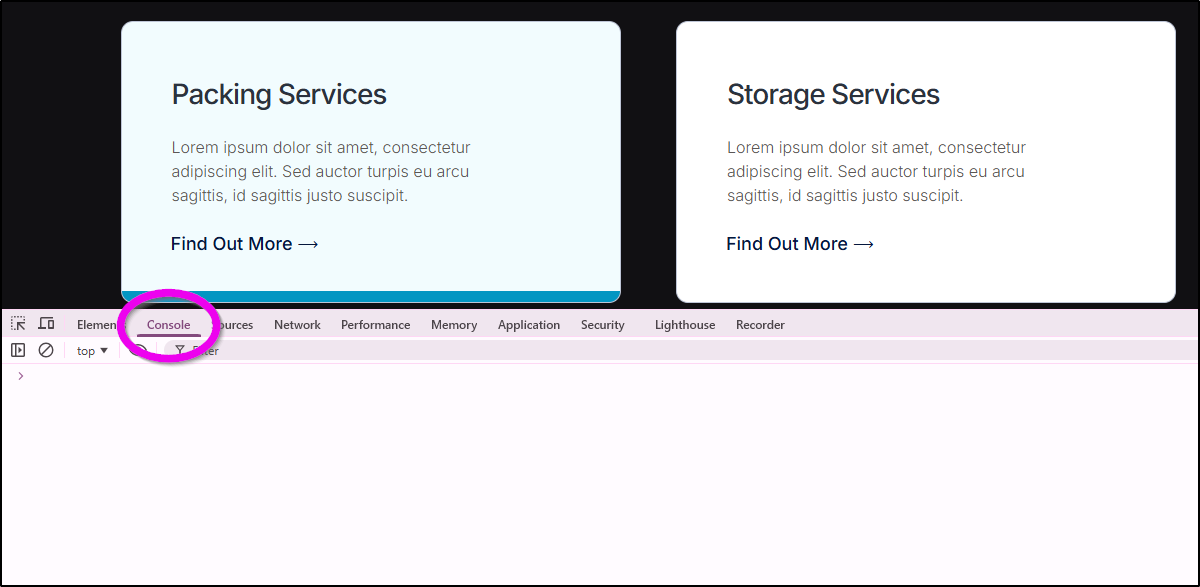
- Open DevTools → Console and Network.
- Submit once.
- Note failed requests (403, 500, blocked) and any red console errors.
Then in wp-admin, open JetFormBuilder → Form Records (or equivalent records screen for your version). Did a record save?
- No record + Network error: fix request/cache/nonce first.
- Record exists + no email: fix Send Email action, SMTP, or spam folder. The form did submit.
- No record + 200 response with error JSON: read the message. Often nonce or validation.
Write down the failing URL. Guessing without it wastes time.
LiteSpeed and nonce failures
Cached pages + WordPress nonces are a classic JetFormBuilder break.
A full-page cache serves an HTML form with an old nonce. Submit fails security checks. Users see a spin or a nonce error. This shows up a lot with LiteSpeed Cache. Other page caches can do the same.
Fix pattern:
- Exclude the form page (and thank-you page if used) from full-page cache.
- Do not cache logged-in or nonce-bearing form HTML aggressively.
- Purge LiteSpeed (or your cache plugin) after exclusions.
- Retest in a private window logged out.
If the error names nonce specifically, treat cache exclusion as the first fix, not a form redesign.
Exclude form page and JetForm REST
Also exclude optimization that breaks submit scripts:
- Delayed JavaScript / defer all JS on the form page (often breaks submit handlers).
- CSS/JS combine that mangled JetFormBuilder assets.
- REST or admin-ajax routes used by the form, if your firewall or cache touches them.
In LiteSpeed and similar tools, use page-level excludes first. Then JS exclude lists for JetFormBuilder scripts if needed. Retest after each change so you know which switch mattered.
Security plugins can block the submit endpoint the same way they block Elementor REST. If Network shows 403 on submit, check the firewall log before you rebuild fields.
Captcha and required fields
If the request never leaves validation:
- Confirm required fields are actually filled (including hidden required fields you forgot).
- Confirm reCAPTCHA / hCaptcha keys are correct and the captcha widget renders for guests.
- Disable captcha temporarily on staging to see if submit succeeds. If it does, fix captcha config, do not leave it off on production.
Required field failures should show messages. If your theme hides error markup, you can think the form “does nothing” when it is only failing validation.
Clean one-action submit path
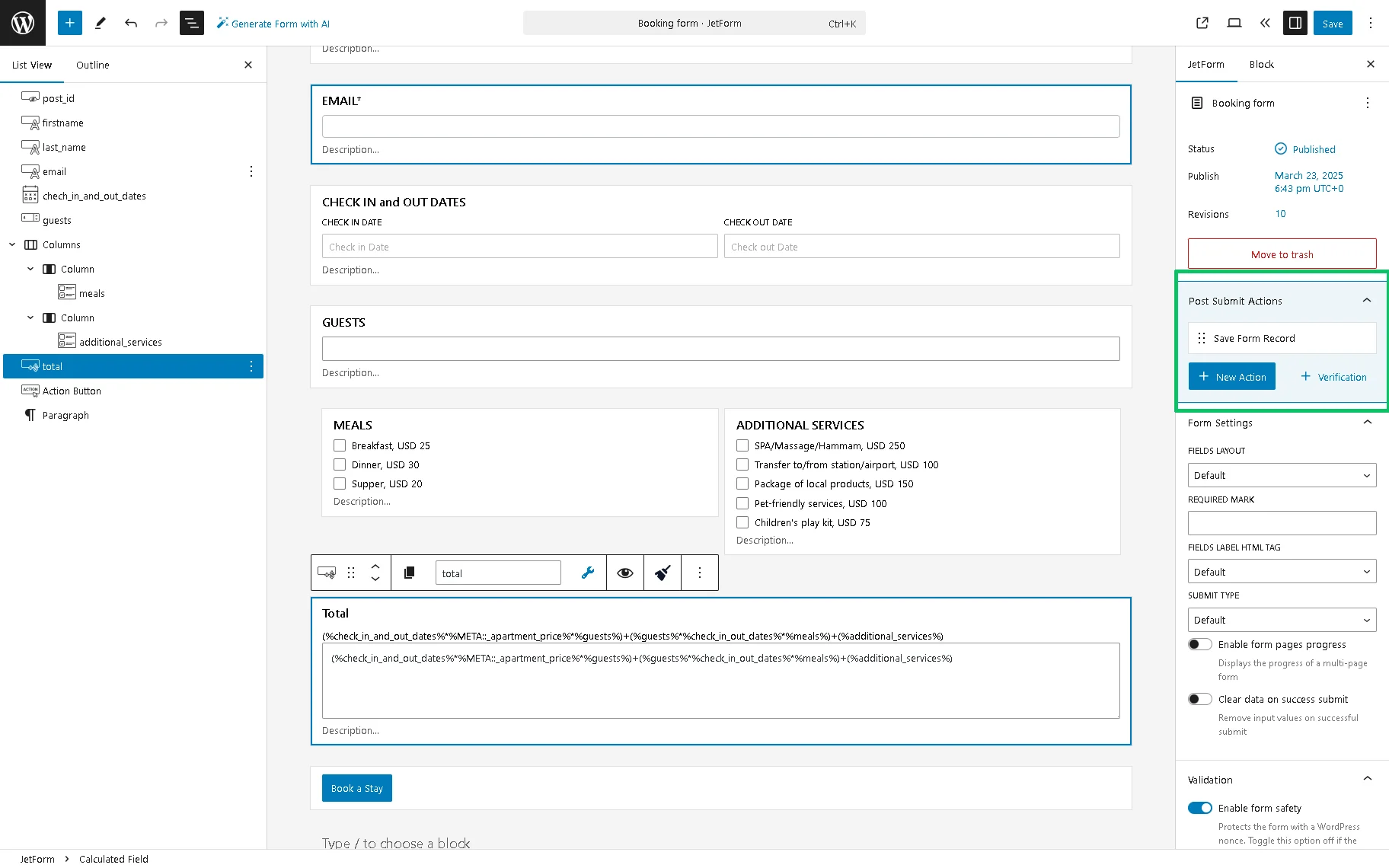
When the request succeeds but outcomes fail, simplify actions.
- Keep one reliable action first (Save Form Record / Insert Post).
- Test submit until records appear every time.
- Add Send Email next. Confirm SMTP.
- Add webhooks or CRM actions last.
A broken later action can confuse you if you only watch the front success state. Form Records tell you whether submit worked.
If you use multi-step forms, confirm each step’s required fields and that the final step is the one firing submit actions.
Soft close
Most JetFormBuilder submit failures are cache/nonce conflicts or a blocked request, not a random form builder curse. Exclude the form page, watch Network, confirm Form Records, then rebuild actions only if the request is clean.
If it still spins after exclusions and a clean Network tab, send me the page URL and the Network status on submit. I build JetFormBuilder flows for real lead capture (about), and I would rather see the failed request than guess from “it doesn’t send.”
FAQs
Is this the same as the Infobip OTP guide?
No. That guide is SMS OTP integration. This post is core submit failure: nonce, cache, validation, and actions. Link OTP only after submit works.
Success message but no email?
The form submitted. Fix email action and SMTP. Check Form Records first so you do not “repair” a working submit path.
Does Safe Mode help?
WordPress plugin conflicts can break JetFormBuilder JS. If excludes do not help, disable other plugins in batches on staging. Cache/nonce remains the first suspect when the error names security/nonce.
AJAX submit vs reload?
Either can work. If AJAX submit fails only with optimization plugins, exclude JS delay on that page. A temporary reload submit can confirm whether the server actions are healthy while you fix JS.