Blank WooCommerce widgets in an Elementor product template usually mean the template has no product context. You drag in Product Price, Add to Cart, or Product Title, and you get empty grey boxes. The shop page may still work. The single product template editor looks broken.
I fix this in a strict order: confirm you are in a Theme Builder Single Product template, set a preview product, set display conditions, then check WooCommerce and product type. Do not rebuild the whole catalog theme until those four are correct.
Why widgets go blank
Elementor WooCommerce widgets need a product object.
On a normal page, there is no product in context. Widgets have nothing to render, so they show blank placeholders. On a Single Product Theme Builder template, Elementor should load a product for preview. If preview is unset, or you are editing the wrong template type, blanks stay.
This is not usually a “WooCommerce is broken” problem. It is a context problem.
Use Theme Builder Single Product
Build the product layout under Theme Builder, not as a random page.
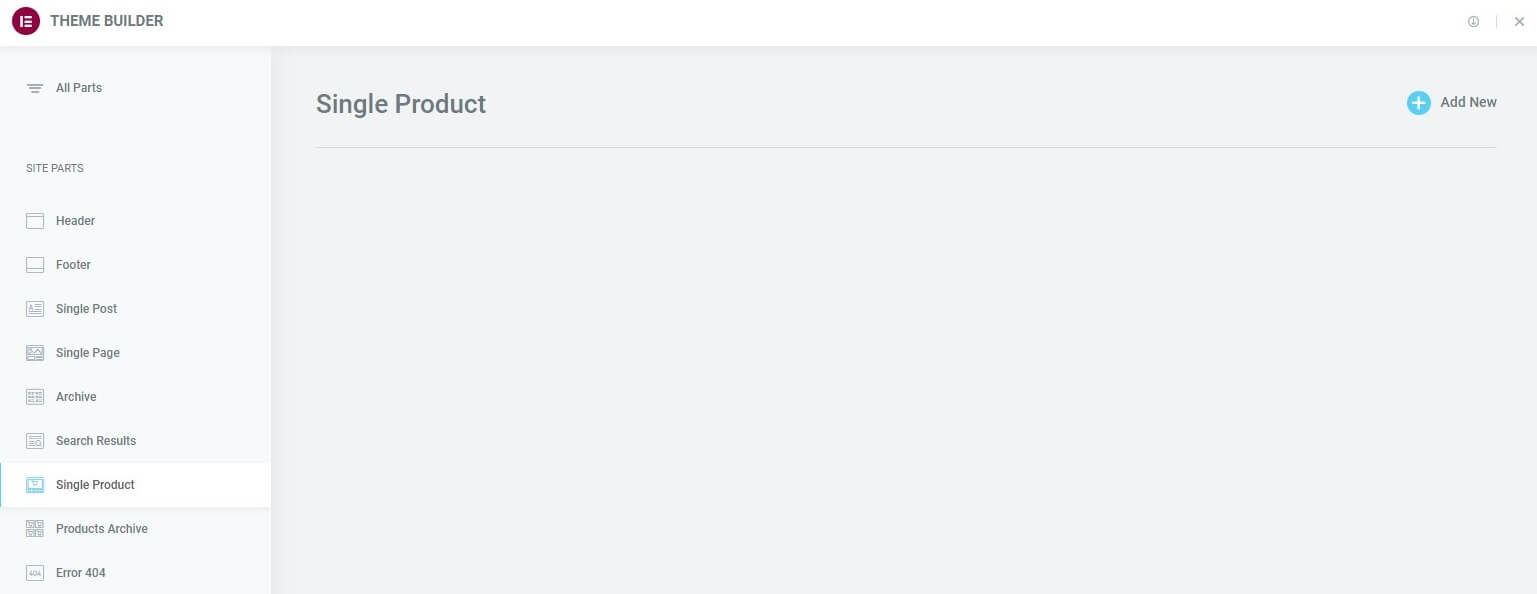
- Go to Templates → Theme Builder (or Elementor → Theme Builder).
- Create or edit a Single Product template.
- Do not try to design the PDP as a regular Page with Woo widgets dropped in.
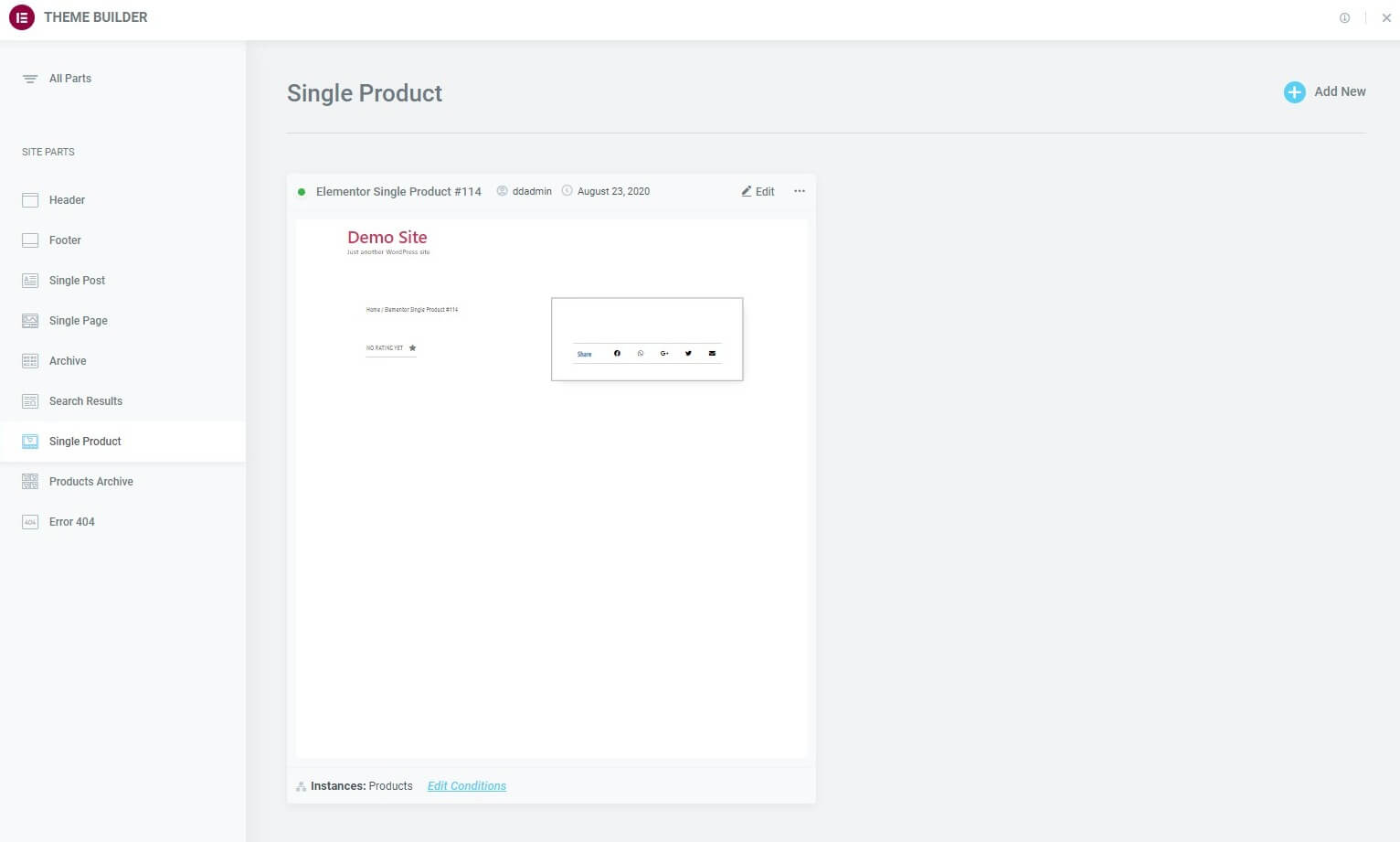
If you already built the design on a page, copy the structure into a Single Product template. Keep the page as a draft reference if you need it, but put the live product design on Theme Builder.
Set preview product
Still blank inside the Single Product template? Set Preview Settings.
- Open the template in Elementor.
- Click the gear / Page Settings.
- Open Preview Settings.
- Preview type: Product.
- Select a real published product that has price, image, and stock data.
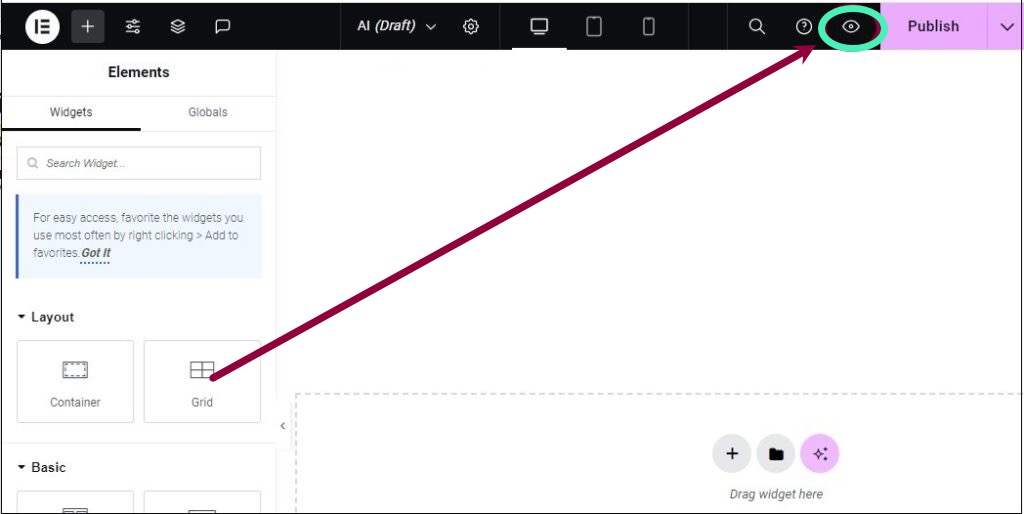
Without a preview product, dynamic Woo widgets have no sample data. They look blank even when the template is fine. After you pick a product, the widgets should fill with that product’s title, price, and cart button.
Use a simple simple-product first. Variable products can confuse you if attributes are incomplete.
Display conditions
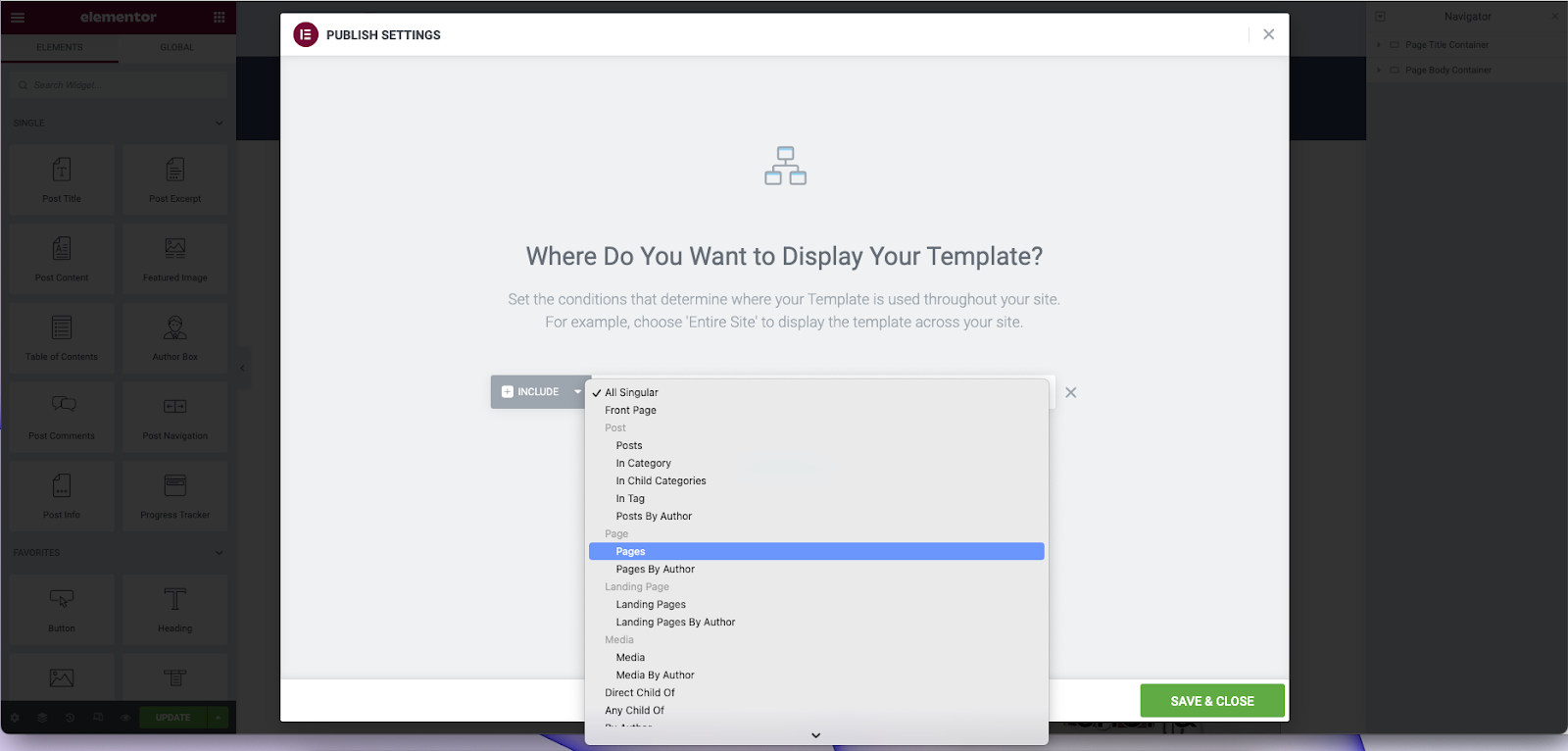
A perfect template that never assigns to products will not help the live site.
- In Theme Builder, open Display Conditions for the Single Product template.
- Include: Products → All Products (or a product category / specific products if you need multiple templates).
- Save conditions, then publish the template.
- Visit a real product URL on the front (not only the editor).
If two Single Product templates both claim “All Products,” Elementor uses priority rules and one may win unexpectedly. Prefer one clear All Products template unless you intentionally split by category.
WooCommerce and product type checks
If preview product is set and widgets are still empty:
- Confirm WooCommerce is active and finished its pages setup wizard.
- Confirm the preview item is a product post type, published, not a draft page that looks like a product.
- For variable products, confirm attributes and variations exist. Empty variation data can make price/cart look wrong.
- Regenerate Elementor CSS & Data, then clear cache, then retest the front product URL.
- Temporarily switch to a default theme like Hello to rule out a theme conflict with Woo single templates.
If only one widget is blank (for example Upsells) while Price works, that widget’s section may be empty in WooCommerce data, not an Elementor bug.
Soft close
Blank WooCommerce widgets in Elementor almost always mean wrong template type or missing preview product. Fix Theme Builder context first. Then display conditions. Then product data.
If the template still shows empty widgets after that checklist, send me the product URL and a screenshot of Preview Settings. I set up WooCommerce + Elementor product systems for clients (about), and the Preview Settings panel usually tells the story in one glance.
FAQs
Can I use Woo widgets on the shop page?
Shop and archive use different Theme Builder template types (Product Archive). Single product widgets belong on Single Product. Mixing them is a common blank-widget path.
Why does the front show the old theme layout?
Display conditions are missing or another template/theme file is winning. Re-check conditions and template priority. Clear cache after publishing.
Do I need Elementor Pro?
Theme Builder Single Product templates require Elementor Pro (or an equivalent theme-builder workflow). The free page editor alone will not give you proper product context the same way.
Variable product price still blank?
Confirm variations are published with prices. Preview a variable product that actually has complete variation data, not an empty shell product.