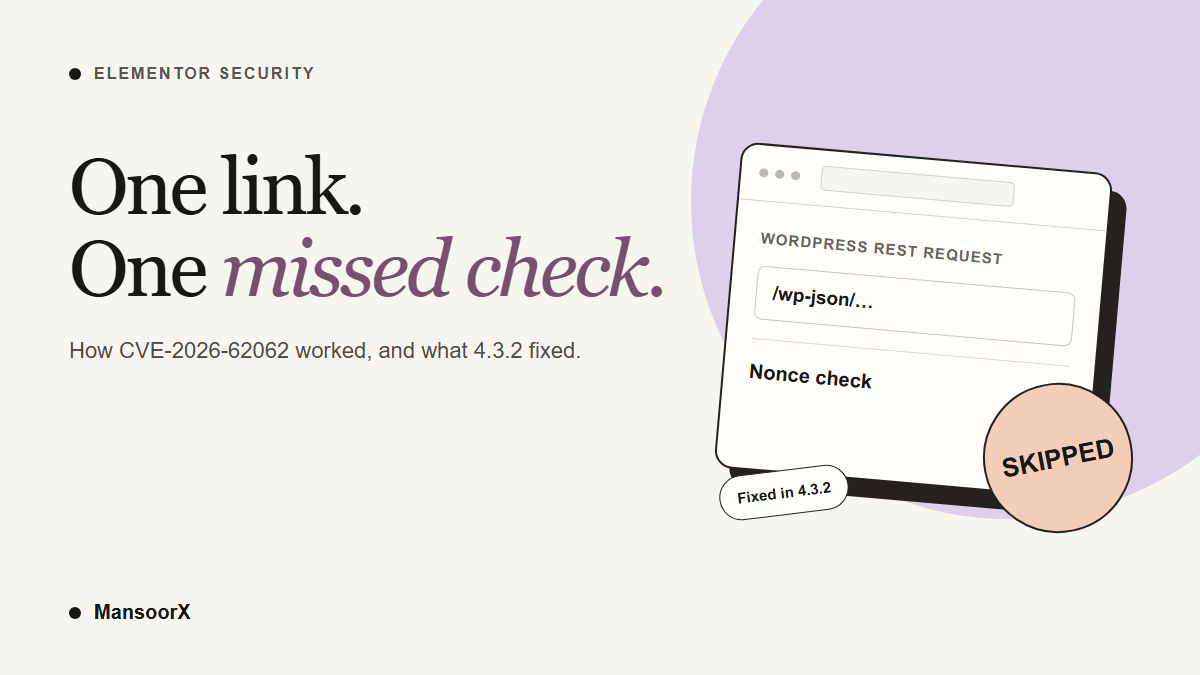
If your site ran Elementor 4.3.0 or 4.3.1, update the Elementor Website Builder plugin to 4.3.2 or later. Those two stable versions contained a cross-site request forgery flaw tracked as CVE-2026-62062. The fix is in 4.3.2, released on 24 September 2026. At least one prerelease build, 4.3.0-beta3, contains the same faulty code, so do not assume a 4.3.0 beta is safe merely because the advisory names the stable releases. After updating, check the site’s administrator accounts, particularly if someone with admin access may have opened an unfamiliar link while logged in.
The short version: an attacker could prepare a link to a WordPress REST API action. If a logged-in administrator opened it, the browser supplied that administrator’s login cookie. Elementor’s early route check could then tell WordPress that authentication had succeeded before WordPress verified the REST nonce. The normal permission check still ran, but it saw the administrator’s account. In the researcher’s demonstration, that was enough to create another administrator.
This is the free Elementor Website Builder core plugin, not a newly disclosed flaw in Elementor Pro or in the Elementor MCP feature announced in the same 4.3.0 release. The vulnerable code was in an Editor Events module used to proxy editor telemetry. That distinction matters if you are trying to work out which update addresses this issue.
Which sites were exposed?
| Question | What the disclosure says |
|---|---|
| Affected plugin versions | The published advisory names Elementor Website Builder 4.3.0 and 4.3.1. The versioned 4.3.0-beta3 source also contains the faulty check. |
| Patched version | 4.3.2 or later. |
| What an attacker needed | A logged-in user on an affected site to open a crafted link. The attacker did not need that user’s password. |
| What the action could do | Whatever the clicked user could do through a REST API route. An administrator could, for example, create another administrator. |
Patchstack’s CVE-2026-62062 advisory lists 4.3.0 and 4.3.1 as vulnerable and 4.3.2 as patched. Its technical analysis adds a qualification: the faulty Editor Events module was a hidden experiment, active by default on sites whose first Elementor installation was version 3.32.0 or later. An older installation was not necessarily configured the same way. There is no good reason to rely on that distinction instead of installing the patch, and a version number alone cannot tell you whether anyone used the flaw.
The 4.3.0-beta3 source has the same raw-URI substring check and early authentication-success return seen in 4.3.1. Patchstack’s stable-version range does not expressly assess that beta. Code presence is evidence of the flaw in the build, not proof that the hidden experiment was active on a particular site or that an attack occurred. A production site still running this beta should move to a patched stable version.
The CVSS score is 8.8, while Patchstack labels its own priority “medium.” Those are different measures. The score reflects the potential impact; the attack still depends on a signed-in user opening the link. Neither label means that every site running the affected versions was taken over.
How could a link become an admin action?
WordPress protects cookie-authenticated REST API requests with a nonce, a token that helps show the action was intentionally made from the site’s interface. Without a valid nonce, merely being logged in should not make an unexpected REST request act with your account’s privileges. The relevant WordPress function, rest_cookie_check_errors(), performs that check.
Elementor 4.3.0 introduced an Editor Events proxy with its own REST routes under elementor/v1/events/. It wanted to exempt those routes from the normal REST nonce check. To decide whether a request belonged to it, the code searched the entire raw request URI for that text. It did not first isolate the actual REST route. A query string can contain arbitrary text chosen by whoever creates the link, so a request to a completely different WordPress endpoint could still appear to match.
The second half of the mistake was what happened after that match. Elementor’s callback ran early on the shared rest_authentication_errors filter and returned true. In this filter, that is not a quiet “skip my own check.” It tells later authentication handlers that a decision has already been made. WordPress’s cookie-authentication handler therefore returned before checking the REST nonce.
| Normal request | Affected request |
|---|---|
| WordPress checks the REST nonce. A missing nonce does not leave the user’s cookie as authority for the action. | Elementor matches text in the raw URI, returns success early, and WordPress skips its REST nonce check. |
| The route then checks the user’s capabilities. | The route still checks capabilities, but the browser is carrying the logged-in victim’s account. |
This did not switch off every permission rule. A subscriber clicking such a link did not magically gain administrator rights. The danger was that the site could mistake an attacker-chosen action for one the signed-in user meant to take. With an administrator as the victim, the available actions are broad.
There was one more detail that made delivery unusually simple. WordPress supports a _method query parameter to override the HTTP method. In the disclosed demonstration, a normal link navigation could therefore be interpreted as a write request. The administrator did not have to fill in an attacker’s form or run a script. Patchstack’s technical write-up documents the proof of concept; the important point for a site owner is the chain of trust that failed, not a copyable attack URL.
The fix changed what Elementor checks
Elementor 4.3.2 kept the check for its own events route, but changed the input and the comparison. Instead of looking through the raw request URI, it reads WordPress’s resolved rest_route value. Query text no longer gets to impersonate the route. The comparison also requires the Elementor namespace at the start of that route, rather than anywhere inside it, and rejects a route value that is not a string.
That is visible in the 4.3.1 source and the 4.3.2 source. It is a small patch with a large effect: an unrelated REST endpoint can no longer opt out of nonce checking by carrying the events path in its query string.
What to do on your site
- In Plugins → Installed Plugins, check the version of Elementor Website Builder. If it is 4.3.0, 4.3.1, or a 4.3.0 prerelease with the same faulty code, arrange the update to 4.3.2 or later promptly. Take a current backup first and, if you can, test the update on staging. If you use Elementor Pro, keep Core and Pro compatible and check the editor and important pages after updating.
- Open Users → All Users and review every administrator account. Look for a username or address you do not recognize, especially one created during the window when the vulnerable version was active. Check with the people who manage the site before treating an unfamiliar account as malicious.
- If you find an account or change you cannot explain, preserve the relevant logs and a backup, and involve your host or a qualified incident responder. Changing Elementor’s version closes this path; it does not remove a user or reverse changes that may already have been made. Reset affected credentials and sessions as part of a proper response.
- If there is no sign of compromise, keep the site updated and watch for unexpected account or content changes. A clean users list is reassuring but cannot prove that no other REST action was attempted.
Elementor’s update instructions recommend a backup, checking add-on compatibility, and staging where available. The WordPress hacked-site guide recommends documenting suspicious changes and involving the host when an incident is suspected. Do not run a proof-of-concept link against a live site just to see whether it is vulnerable. Version checking and the published patch are the safer starting point.
A few easy misunderstandings
“Unauthenticated” does not mean no click was needed. The attacker did not need a WordPress login. The attack still needed a user with an active login session to open the crafted link. The effect followed that user’s capabilities.
This was not limited to an Elementor page. The early authentication filter ran before REST route dispatch. The demonstration used a WordPress core user endpoint; another route could be reached if the victim had permission for it.
The update is not a compromise report. A vulnerable version identifies exposure, not proof that an attacker reached your site. Patchstack disclosed a working demonstration, but the public sources reviewed for this article do not establish that a particular site was exploited.
Do not confuse Core with Pro. The affected component is in the free Elementor Website Builder plugin. A site using Pro still runs Core, so check the Core version rather than assuming a Pro subscription changes the answer.
How this unfolded
Patchstack says researcher Saggre reported the issue on 22 September 2026. Elementor 4.3.0 was released that day, 4.3.1 followed on 23 September, and the fix arrived in 4.3.2 on 24 September. Patchstack published its advisory on 25 September. The Elementor changelog describes the 4.3.2 release as including improved security enforcement in data handling, without explaining this full attack chain; Patchstack’s analysis and the versioned source provide those details.
The practical next step is not to panic or to assume a scanner can settle the question. Confirm your Elementor Core version, apply the patched release, and review who has administrator access. If something looks wrong, treat it as an incident and preserve evidence before making broad changes.
Research note: this article is based on Patchstack’s disclosure, Elementor’s versioned source and changelog, and WordPress REST documentation. No exploit was run against MansoorX or another live website for this article.